








Генератор
История
Генератор планов AI
Инструмент изменения
Модель
Базовый
Переключить
Комнаты
спальня
-
2
+
ванная комната
-
1
+
Кухня
открытая
закрытая
Общая площадь
Единица Metric
 имперский
Metric имперскийОбласть
< 50㎡
50-80㎡
80-100㎡
100-120㎡
120-150㎡
> 150㎡
Дополнительные возможности
встроенный гардероб
п прачечная
хранилище
помещение для бытовых нужд
домашний офис
гараж
кладовка
совмещенная гостиная и столовая
балкон

Design Your Dream Space with Our AI Architecture Plan Maker
Unlock the power of instant design with Ideal House's AI Floor Plan Generator. Quickly create precise 2D floor plans that bring your vision to life. Whether you're exploring new home layouts, preparing property listings, or visualizing custom floor plans, our intuitive architecture plan maker makes complex architectural drawing simple and fast. Generate stunning residential floor plans with just a few clicks.
Generate My Floor Plan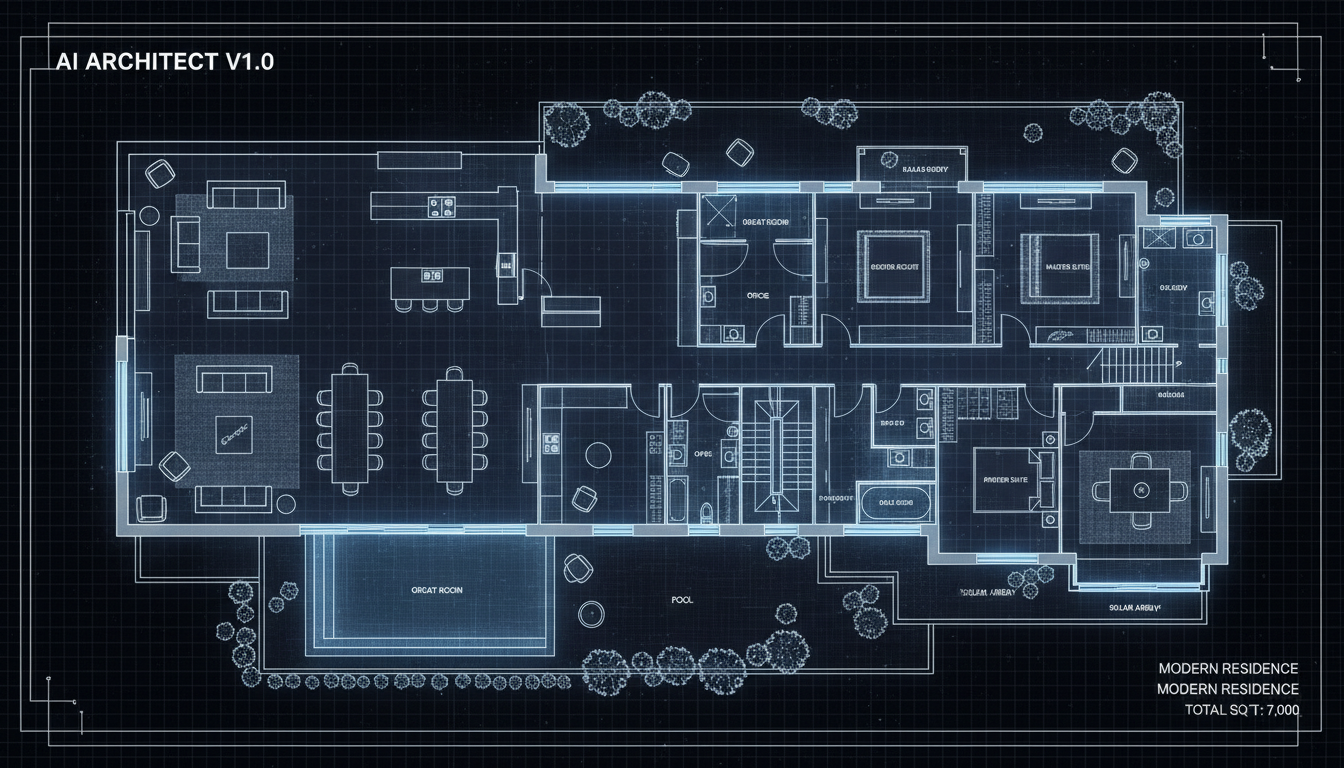


Why Ideal House is Your Ultimate Architecture Plan Maker

Instant 2D Floor Plans
Say goodbye to tedious manual drafting. Our AI floor plan generator transforms your design parameters into detailed 2D floor plans in seconds. Get quick floor plans for any property layout, perfect for concept development or client presentations.
Customizable Layouts with Precision
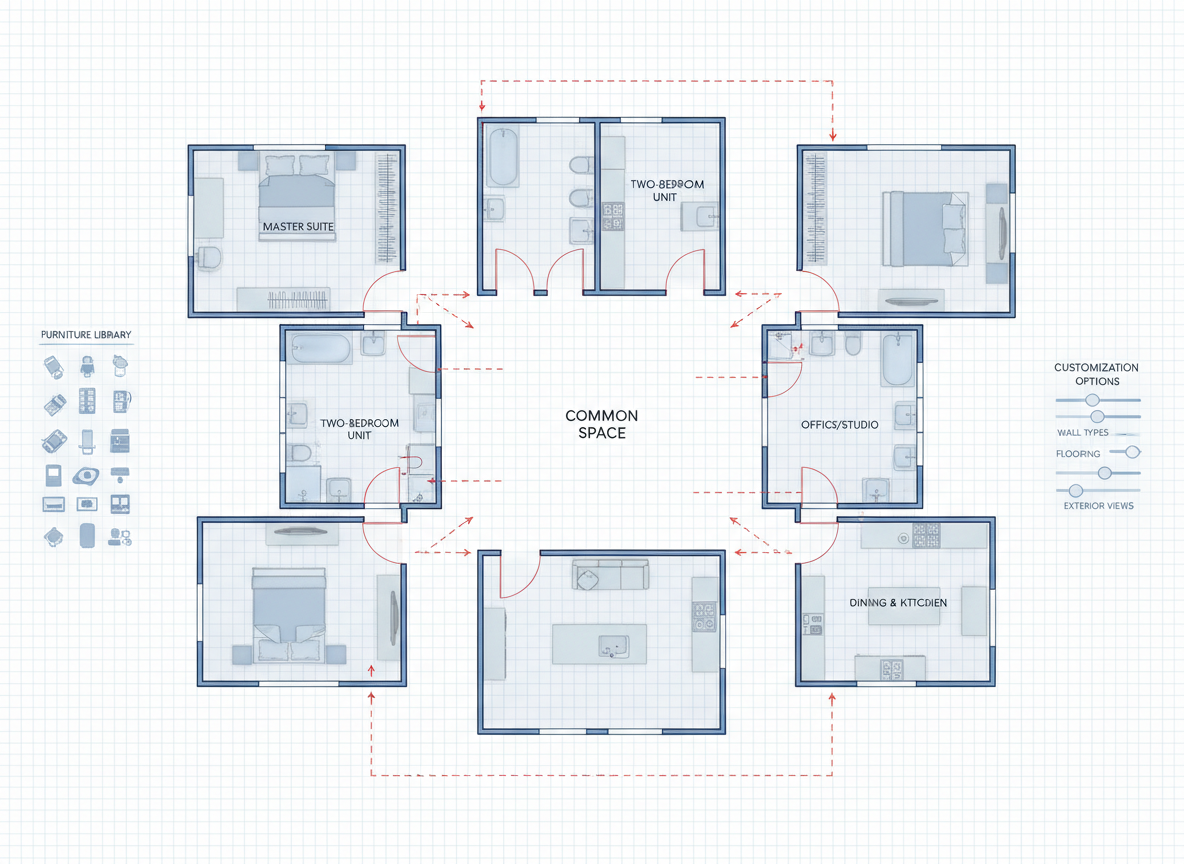
As a sophisticated architecture plan maker, our tool allows you to specify everything from bedrooms and bathrooms to kitchen styles and gross area. Add extras like a walk-in closet or home office to create custom floor plans that perfectly match your needs, ensuring a tailored blueprint every time.

Visualize and Iterate with Ease
The Ideal House house plan generator isn't just about creating; it's about refining. Easily toggle features like open or closed kitchens and adjust gross areas to explore multiple design iterations. Our built-in history and filtering tools make comparing different residential floor plans straightforward, helping you choose the best layout.

Perfect for Professionals and Homeowners
From real estate agents needing quick, presentable property layouts to homeowners visualizing their dream space, our architecture plan maker is designed for everyone. This home design tool simplifies the process of creating professional-grade digital floor plans without needing extensive architectural drawing software experience.

Who Benefits from Our AI Floor Plan Generator?

Homeowners & DIY Planners: Experiment with different room configurations and add personal touches like a walk-in closet or combined living-dining area.

Interior Designers & Decorators: Quickly create apartment floor plans and home layouts from client briefs, iterating live to achieve perfect interior layout planning.

Real Estate Agents & Developers: Generate consistent, professional 2D real estate floor plans for listings, helping potential buyers visualize properties instantly.

Contractors & Consultants: Translate verbal design programs into clear 2D floor plan visuals, streamlining communication and project alignment.

Create Your Floor Plan in 5 Simple Steps with Our Architecture Plan Maker
1
**1. Define Your Rooms:** Begin by selecting the desired number of bedrooms (0-4) and bathrooms (1-3) for your house plan.
2
**2. Choose Kitchen Style:** Decide between an 'open' or 'closed' kitchen layout to shape the heart of your home.
3
**3. Set Gross Area:** Pick a general size range (e.g., <50㎡ to >150㎡) to guide the overall scale and proportions of your digital floor plan.
4
**4. Add Key Features:** Incorporate 'extras' like a walk-in closet, laundry room, home office, or balcony to customize your residential floor plans.
5
**5. Generate & Refine:** Click 'Generate' to instantly produce your 2D floor plan. Review your design in the 'Generation History' and tweak parameters to create the perfect blueprint.
Frequently Asked Questions About Our AI Floor Plan Generator
How does this architecture plan maker create layouts from my selections?
Our AI floor plan generator intelligently interprets your program—beds, baths, kitchen type, gross area, and selected extras—applying established architectural rules and space planning principles to draft a clear, functional 2D floor plan. Each generation offers a fresh concept, allowing for rapid iteration and exploration of various property layouts.
What are the available ranges and default settings?
You can choose 0-4 bedrooms (default 2), 1-3 bathrooms (default 1), and toggle between an open or closed kitchen (default open). Gross Area ranges are segmented to guide overall scale. Extras are multi-select options for detailed customization of your home layout.
How does 'Gross Area' influence the generated 2D floor plans?
The 'Gross Area' selection guides the overall footprint and scale of your digital floor plan. Choosing the most appropriate band ensures that rooms, corridors, and features are proportionally sized for a believable and functional home layout, making our tool an effective room planner.
What's the difference between an 'open' and 'closed' kitchen in the generator?
An 'open' kitchen favors continuous sightlines and a seamless flow between living, dining, and kitchen areas, ideal for modern, communal living. A 'closed' kitchen provides a distinct, separate cooking zone, offering privacy and containing culinary activities. This choice significantly impacts the overall interior layout planning.
Can I compare different versions of my floor plans?
Absolutely! Every floor plan you generate is automatically saved in your 'Generation History'. You can use filters and view options to easily compare multiple versions side-by-side, helping you make informed design decisions and perfect your custom floor plans.
Enhance Your Designs with Ideal House's Related Tools
Smart Replacer
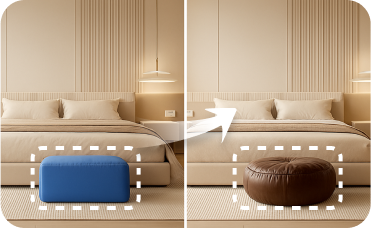
Perfect for changing smaller details like light fixtures, artwork, or decor items in any room.
HouseGPT
Your AI design assistant for expert advice on materials, renovation planning, and style choices.
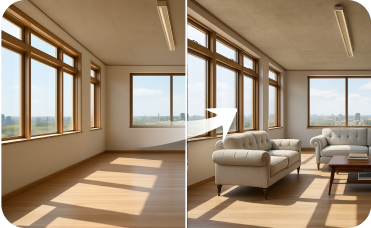
Virtual Staging
Furnish empty rooms with stylish, AI-generated furniture to help buyers envision their future home.
Ready to Transform Your Design Process?
Experience the fastest, most intuitive architecture plan maker for precise 2D floor plans. Get started today and see your visions come to life.
Generate My Floor Plan
💰 Получите 10% комиссии как партнер Ideal House.
Присоединяйтесь к нам